
Installing the plugin for Citrix MCS on Nutanix AHV

Archived post (updated November 2026): This post covers the first release of the AHV plugin for Citrix MCS from June 2016. The download path, screenshots and limitations below no longer match current releases. The plugin is now the Nutanix AHV Plug-in for Citrix, it supports both MCS and Citrix Provisioning, and you set up the connection in Web Studio. Citrix Virtual Apps and Desktops 2507 CU1 and later can also connect through Prism Central, using a plug-in that Citrix builds into the Delivery Controller. AppDisks, mentioned below, was removed in Citrix Virtual Apps and Desktops 2003. For current steps, use the Citrix documentation for Nutanix environments and the AHV Plug-in for Citrix documentation on the Nutanix Support Portal. For PVS on AHV, see Citrix Provisioning on Nutanix AHV.
 It just hit the web, the plugin for Citrix MCS on Nutanix AHV. You can find it on our portal at My.Nutanix.com, support, Tools & Firmware. I’ve blogged about this previously in the blog that was called Citrix MCS for AHV: Under the hood but now it’s finally available for the masses.
To kick this installation off you can login into my.nutanix.com with your credentials and go to the support portal, there you’ll find the following screen:

If you follow the downloads, tools & firmware clicks you’ll get to an overview of all available downloads and you’ll see the newest addition at the top of the page:

This plugin needs to be installed on every desktop delivery controller running Citrix Studio, this plugin will add the new option to select Nutanix AHV as a target hypervisor for your MCS-based deployment.
After the initial installation of Citrix XenApp/XenDesktop you can install and configure the plugin. The installation is pretty straight forward as it’s ‘next, next, finish.
Installation (slideshow):

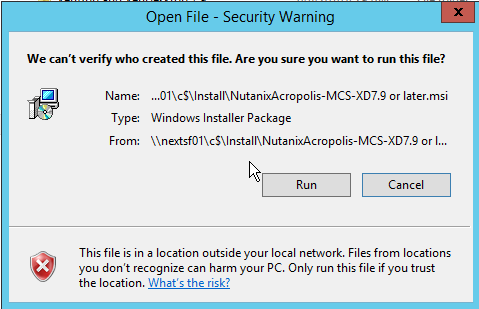
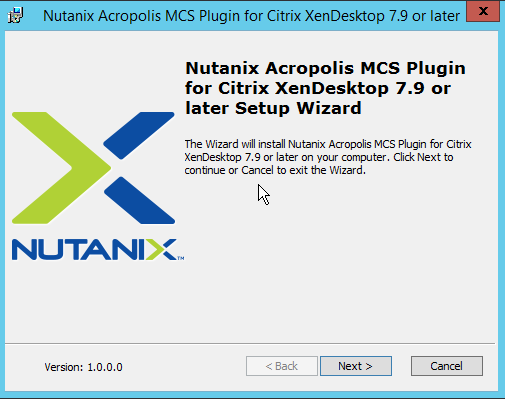
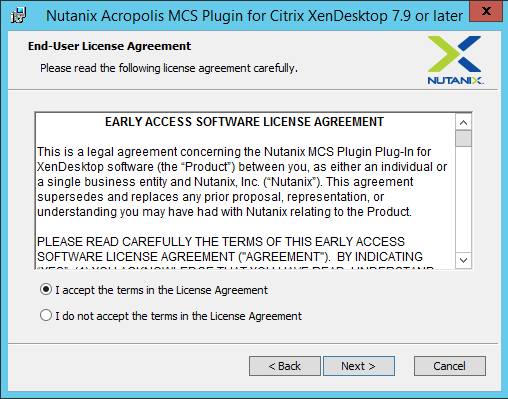
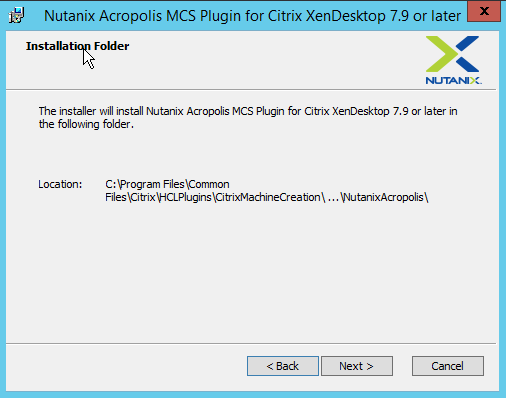
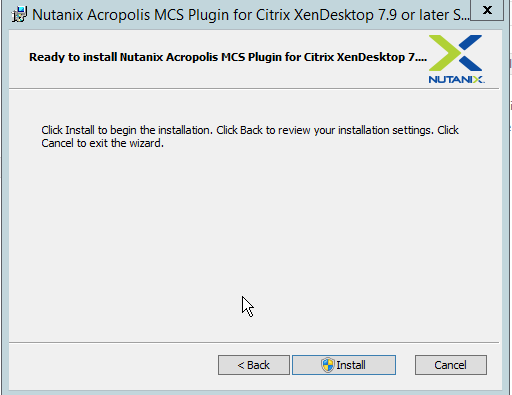
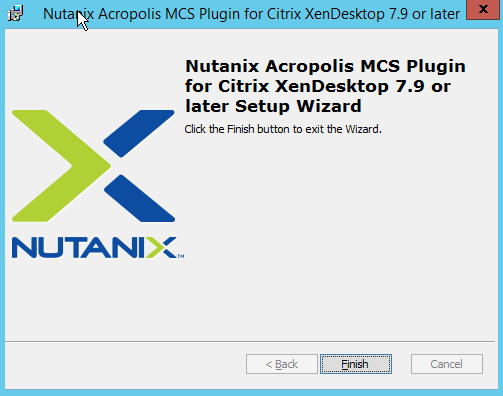
Configuration (slideshow):
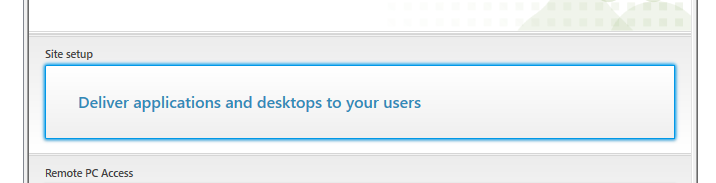
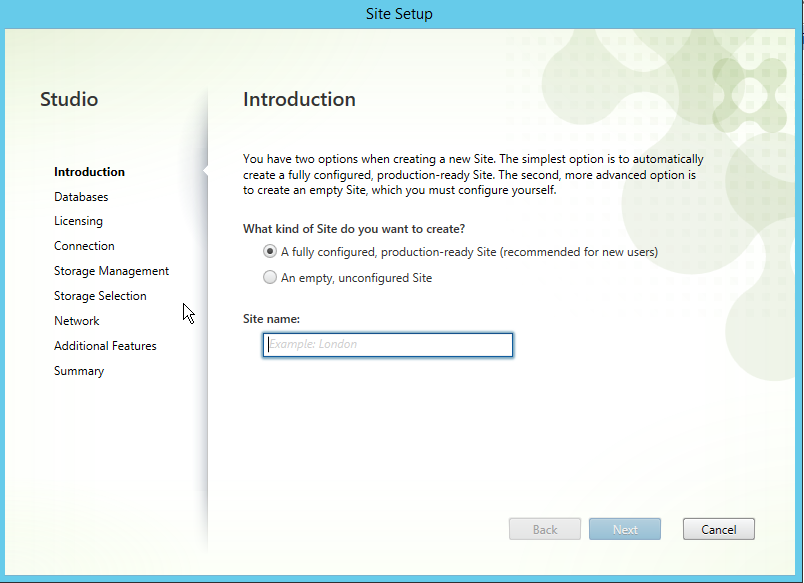
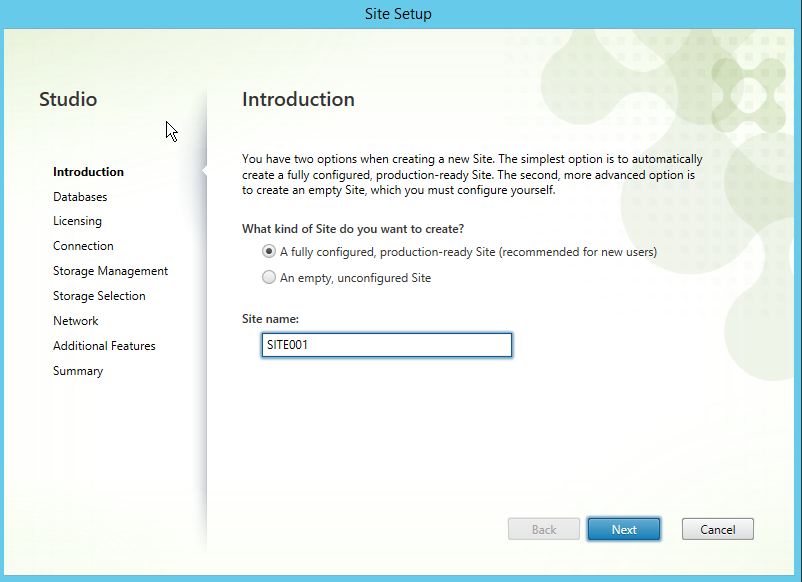
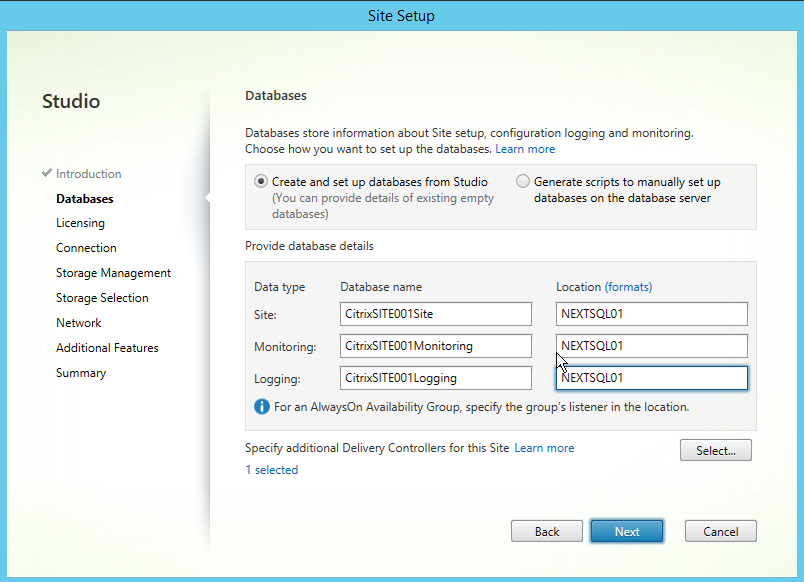
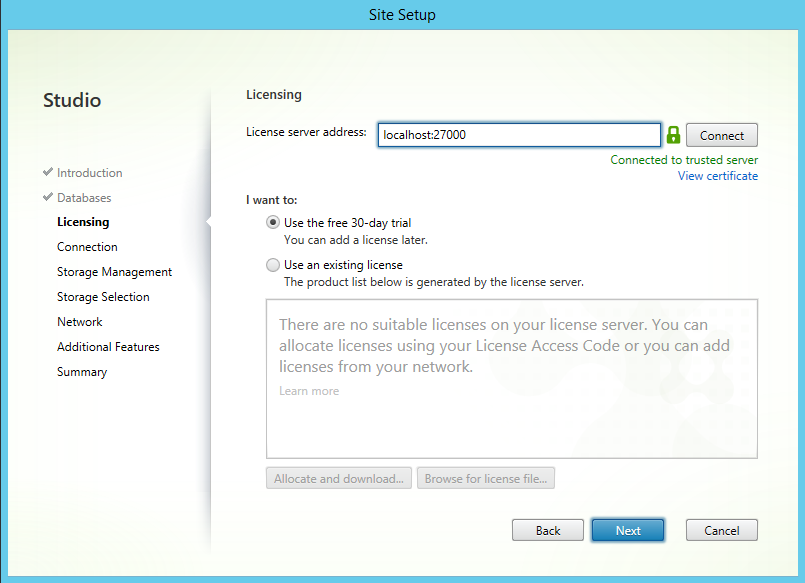
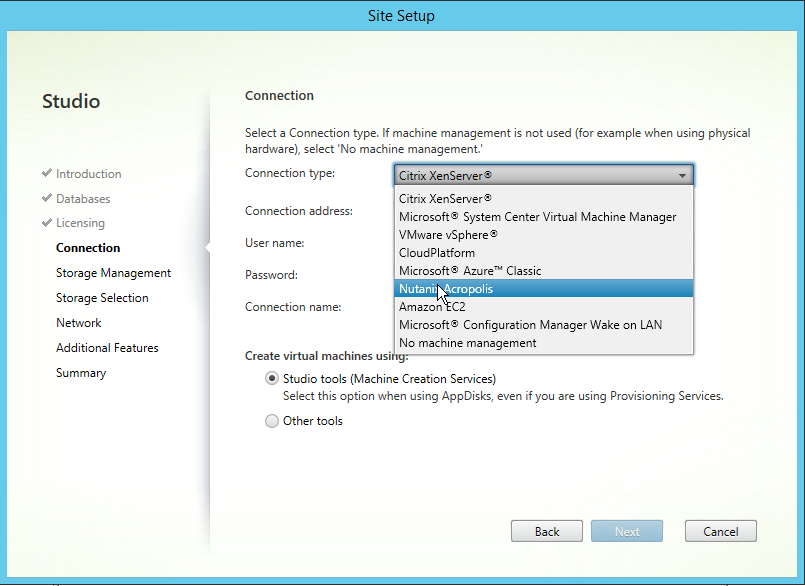
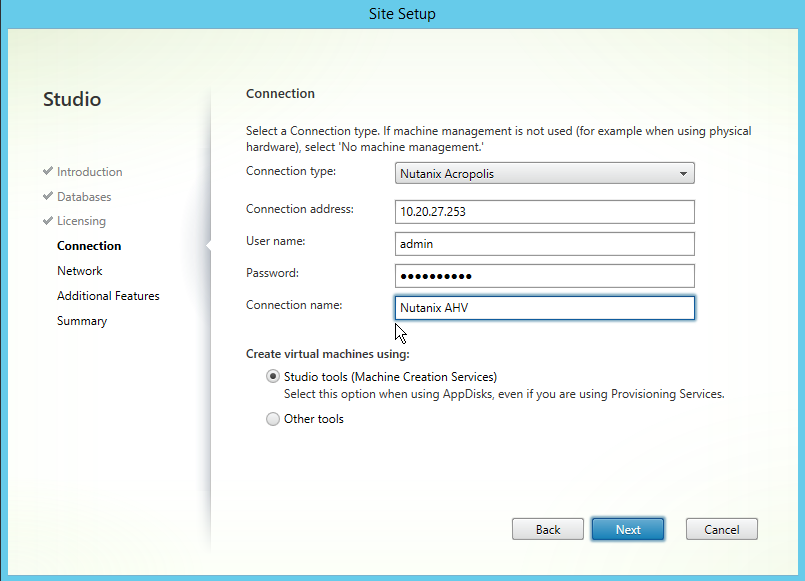
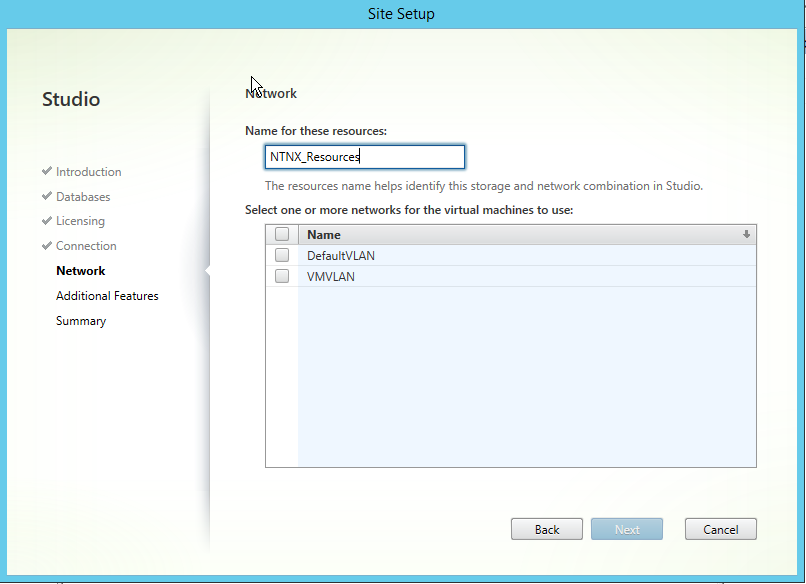
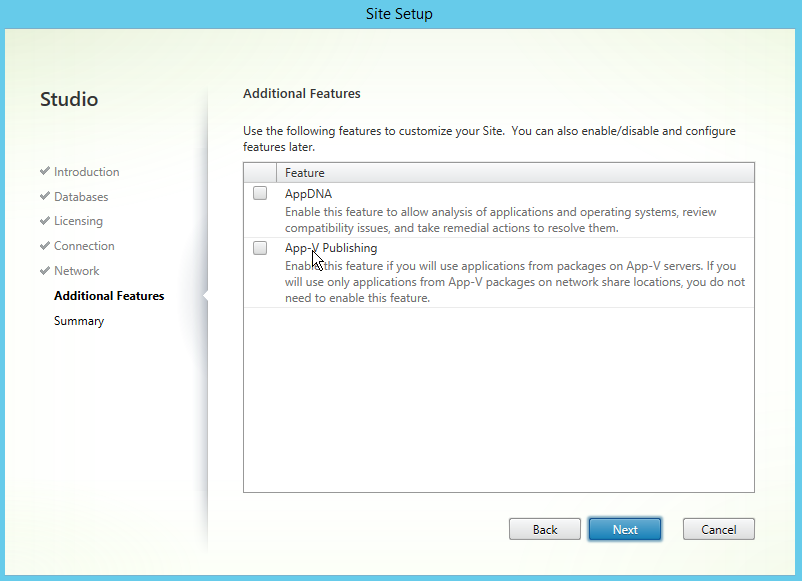
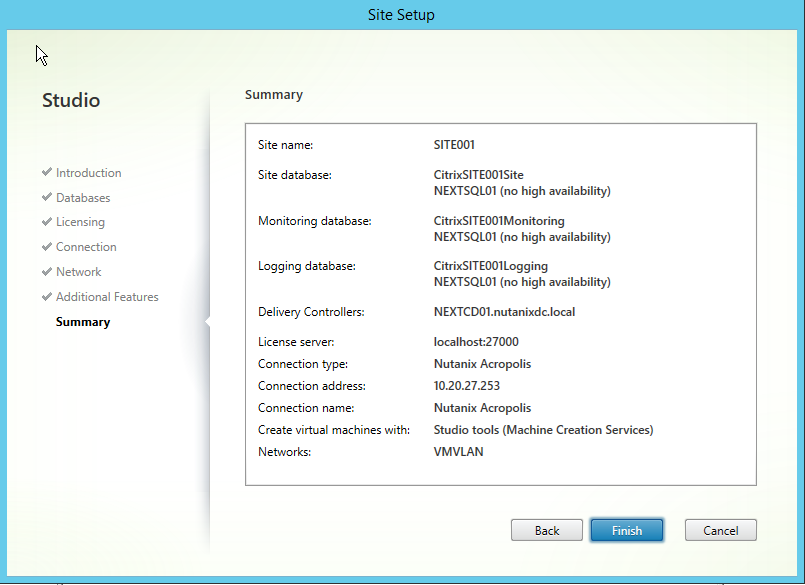
As you can see the configuration of the plugin for Citrix MCS on Nutanix AHV is pretty straightforward too, you just use the cluster IP (No HTTPS or ports required) and with that your management interface from Citrix Studio to your hypervisor is HA by default as the cluster IP will always be available from one of the active Controller VMs running on the system. Add your credentials and the next few configurable options are inline with what we already know with current integrated hypervisors. After completing this configuration is just business as usual from an MCS deployment perspective. All current delivery models are support with this plugin:
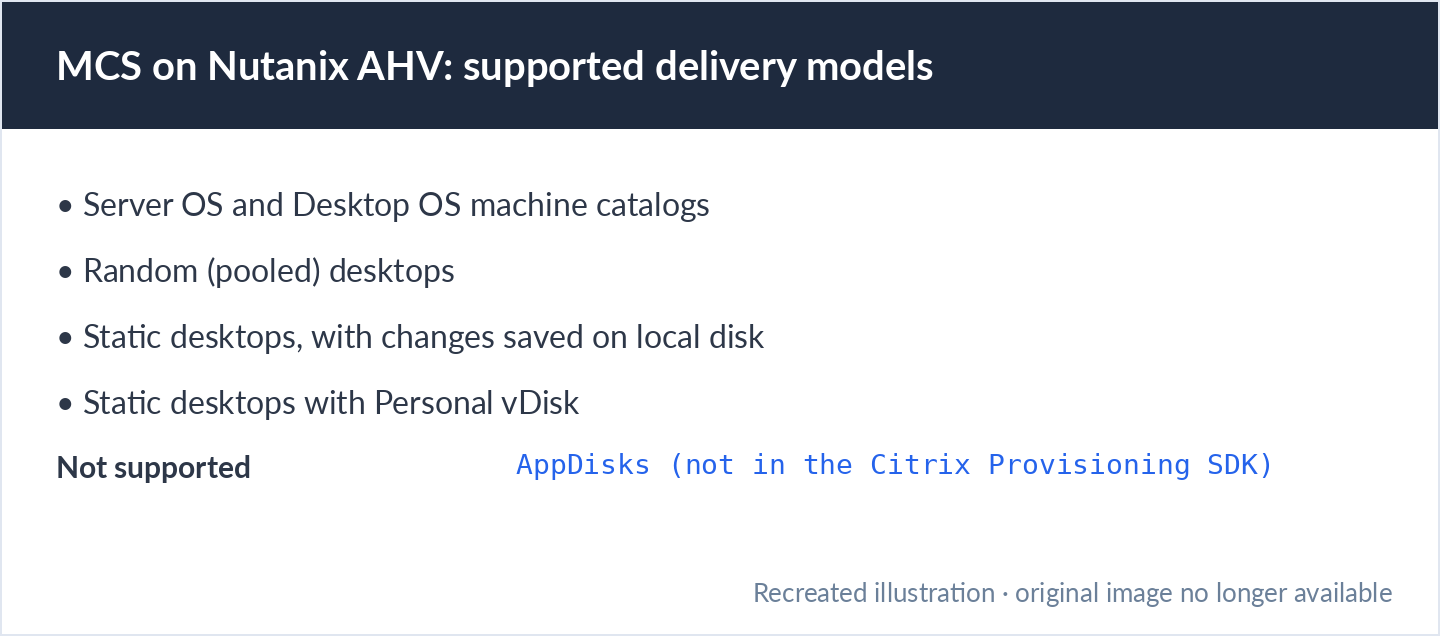
Only caveat here is that AppDisks is currently not supported as the Citrix Provisioning SDK does not contain the information to utilise that but it’s something we’re looking at. As discussed during our presentation at Citrix Synergy we’re also looking at extending integration towards Citrix PVS but there’s no timing to as when that’s going to happen. If you’re interested in more information like that please feel free to take a look at my previous blogpost Citrix Synergy 2016: My Presentations
Eventually this all adds up to the following video:
As you can probably tell I’m really excited by this release and I’m really looking forward to the next steps in this strategic alliance between Citrix and Nutanix.
Get new posts by email
One email when a new post goes up. Nothing else.
I only use your address to send new posts, and every email has an unsubscribe link. See the privacy policy.

So, when creating a new catalog, no write cache was created. Is it that AHV does not support cache on ram with overflow to disk?
That is true