
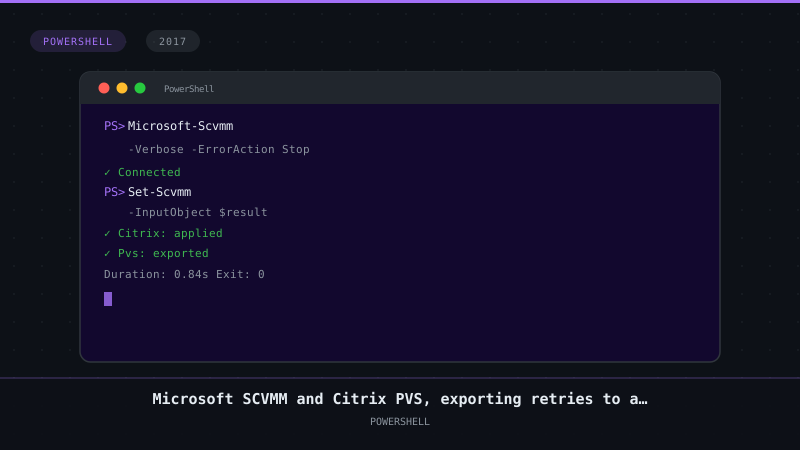
Microsoft SCVMM and Citrix PVS, exporting retries to a CSV
2 min read

While I’m still experimenting with the Microsoft SCVMM and Citrix PVS PowerShell cmdlets (read more about my first ramblings about this topic here) I figured it’s difficult to get an export of the vDisk usage to track down the number of retries on a vDisk for a particular host so I wrote a little script to make this easier.
As said, I’ve been looking for usecases to combine the both PowerShell cmdlets and see how PoSH can improve the manageability of both SCVMM and PVS.
While I was fiddling around with the PVS console I was looking into usage of the infamous vDisk usage screen:

Although it will give you a lot of useful information it can be slow and there’s no way to export the information from this screen which makes cross referencing VMs with high retries with the hosts they’re running on impossible.
Back to Powershell ISE with the following plan:
- Import the right Cmdlets;
- Connect to the Citrix PVS server and the SCVMM server;
- Get all VMs in the PVS device collections and grab their names;
- Loop through all PVS VMs based on the object names and fetch the Hyper-V hostinfo;
- Combine the info into an easy to modify file format for troubleshooting.
Combining these steps resulted in the below script, it might not be a large and complex script but I guess some people will stilll find it useful:
# Importing the proper modules
if ( (Get-PSSnapin -Registered -Name Citrix.PVS.Snapin -ErrorAction SilentlyContinue) -eq $null )
{
    Add-PsSnapin Citrix.PVS.Snapin
}
Import-Module -Name VirtualMachineManager

# Setting up the tables and datapath
$DataPath = "C:\PVSHost_retries.csv"
$PVSServer = "Citrix-PVS01"
$Results = @()

# Connecting to PVS
Set-PvsConnection -Name $PVSServer

# Get all VMs and the number of retries on the vDisk

$VMs = Get-PvsDevice
foreach ($VM in $VMs) {
        $PVSinfo = Get-PVSDeviceInfo -Name $VM.Name
        $VMMInfo = Get-SCVirtualMachine -Name $VM.Name

        $Properties = @{
        VMHost = $VMMInfo.VMHost
        Name = $PVSinfo.Name
        Retries = $PVSinfo.Status
        }
$Results += New-Object psobject -Property $Properties
}

$Results | Export-Csv -NoTypeInformation -Path $DataPath
Hopefully this will help you getting hosts that are not behaving well causing those pesky retries on the vDisk.

Kees Baggerman
Latest posts by Kees Baggerman (see all)
- Citrix MCSIO on Nutanix AHV: A Solution to a Problem That Doesn’t Exist - June 10, 2026
- The Cloud Desktop CPU Lottery: What Are You Actually Running On? - June 2, 2026
- Your Cloud Desktop Is Running on Yesterday’s Silicon - May 21, 2026
- When the Orchard Ships Production Software: AI-Augmented Development in the Real World - May 17, 2026
- Nutanix Documentation Script v5.0: Visual Reports, Brand Templates, and Seven Embedded Diagrams - May 15, 2026

One Comment